Free AI Remover — Erase Anything from Your Photos
Brush over any object, person, text, watermark, logo, or sticker — AI removes it in seconds. Free erases every day — no signup, no credit card.
Click or drag an image here
By uploading an image you agree to our Terms of Use and Privacy Policy.
Remove Scene
Tool
Brush Size
28pxCredits Required
FreeProcessing Mode
What Can Magic Remover Remove?
Photobombers in your travel shots? A trash bin ruining the street view? An ex you'd rather forget, a logo on a product photo, or a date stamp from an old scan? The same object remover engine handles all of them. Pick a mode — People, Object, Text, Watermark, Logo, or Sticker — brush the area, and let the AI rebuild the background behind it.


People & photobombers
Erase strangers, exes, and crowds from any shot


Objects & clutter
Trash bins, wires, signs — brushed away in one pass


Text & date stamps
Clean captions, timestamps, and labels off photos


Watermarks
Strip stock or camera watermarks in seconds


Logos & brands
Remove logos from products and packaging shots


Stickers & emoji
Peel stickers and emoji off memes and chats
Remove People from Photo
Photobombers, background tourists, strangers on the beach, an ex in old memories — brush over any person and this free tool removes them from your photo in seconds. The AI rebuilds whatever was behind them: sand, pavement, grass, architecture, horizon. It's the easiest way to remove people from a photo without Photoshop. Comparing tools first? Our Magic Eraser alternative page breaks down how the free terms stack up. No signup, no watermark, works on phone and desktop.
Remove people from photo

Remove Object from Photo
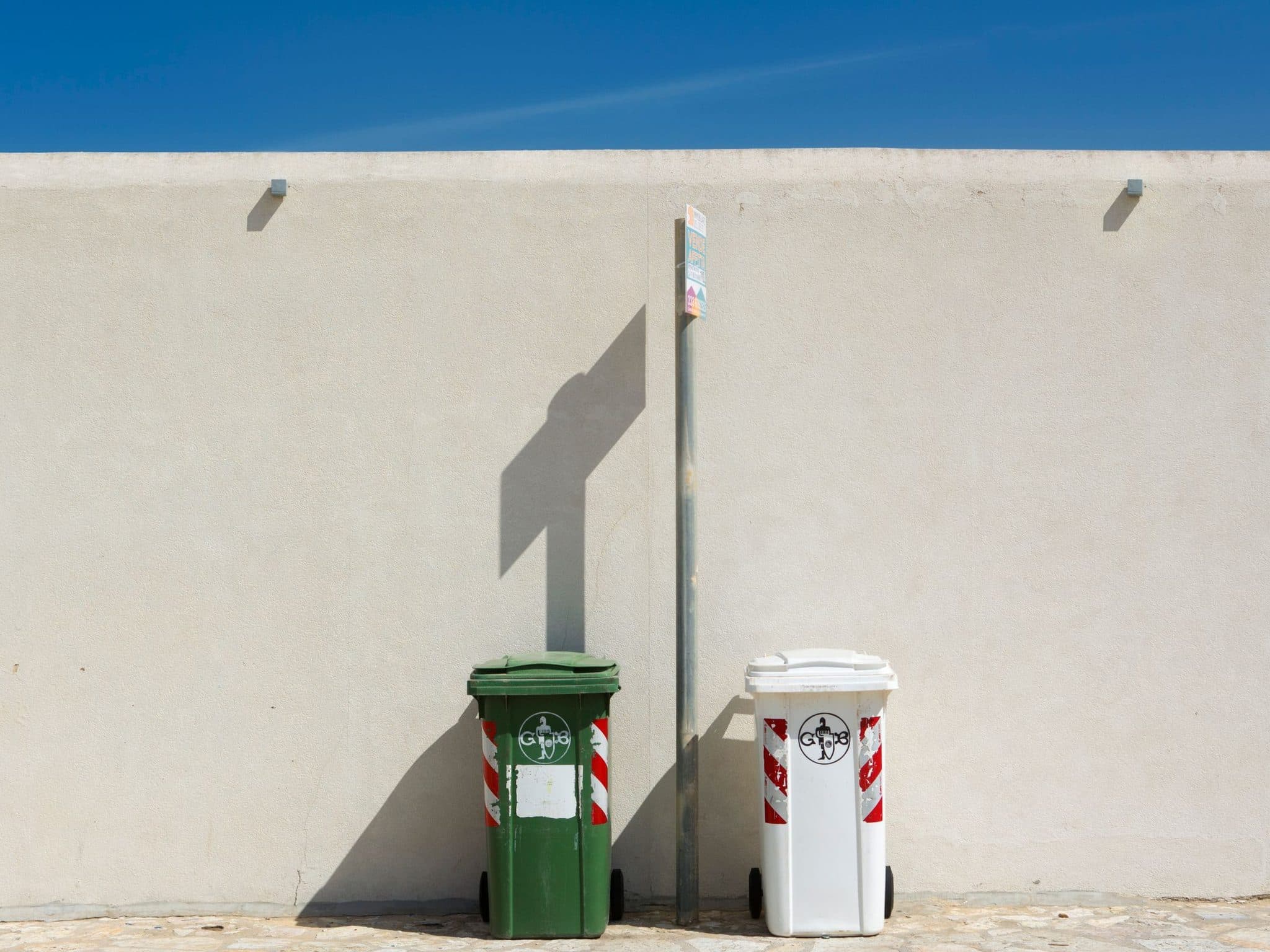
Need to remove an object from a photo? Brush over it and our AI deletes it in seconds — filling the gap with background that matches perfectly. Trash bins, power lines, cars, signs, cables, food, furniture: whatever is ruining your shot, this free tool removes it from your photo without a trace. No signup, no watermark, works on any device.
Remove object from photo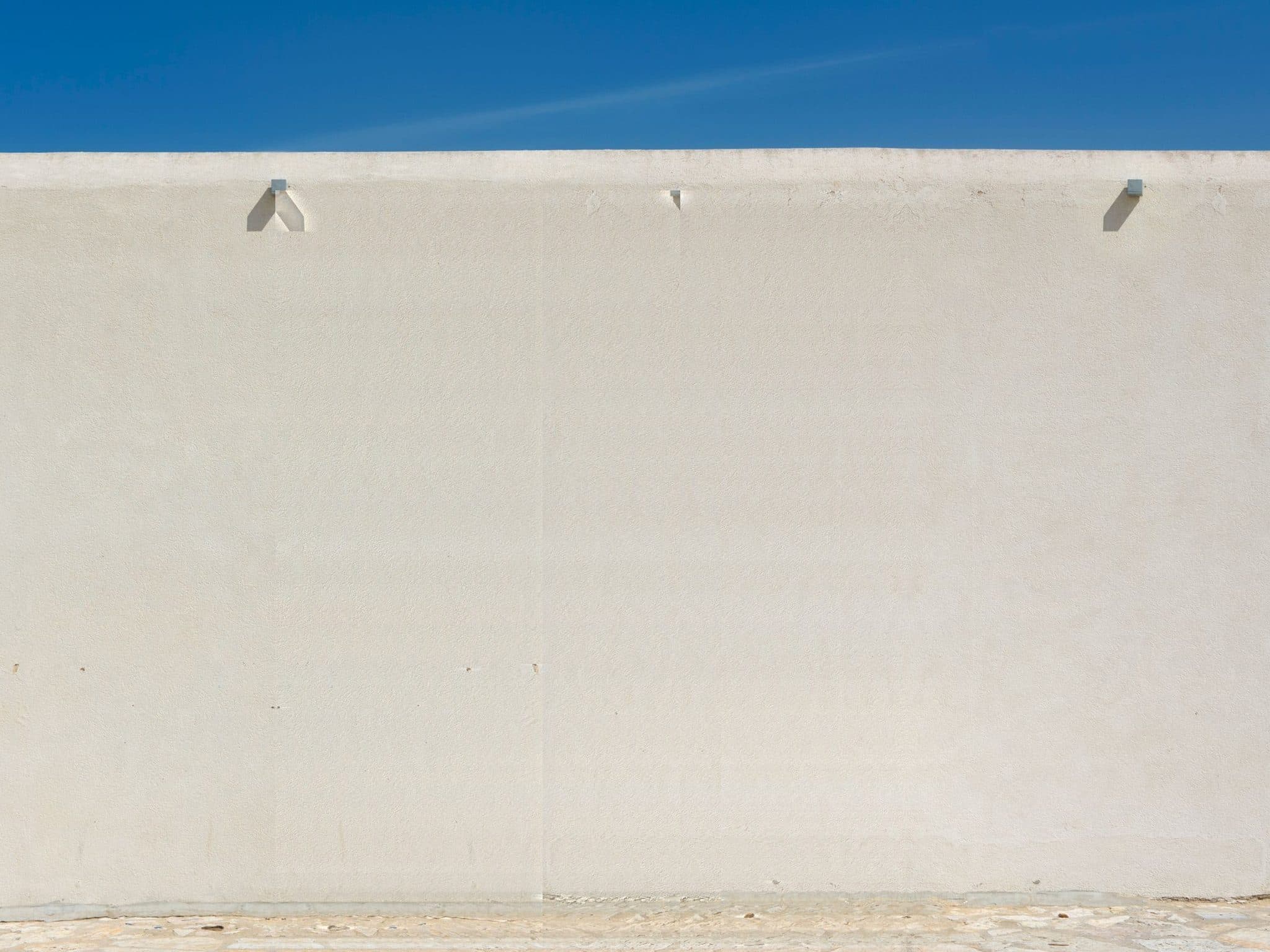
Remove Text from Image
Brush over any text and this free tool removes it from your image in seconds — street signs, subtitles, captions, date stamps, handwritten notes, and typographic overlays. The AI rebuilds the surface behind the letters, keeping texture and lighting intact. No signup, no watermark.
Remove text from image

Watermark Remover
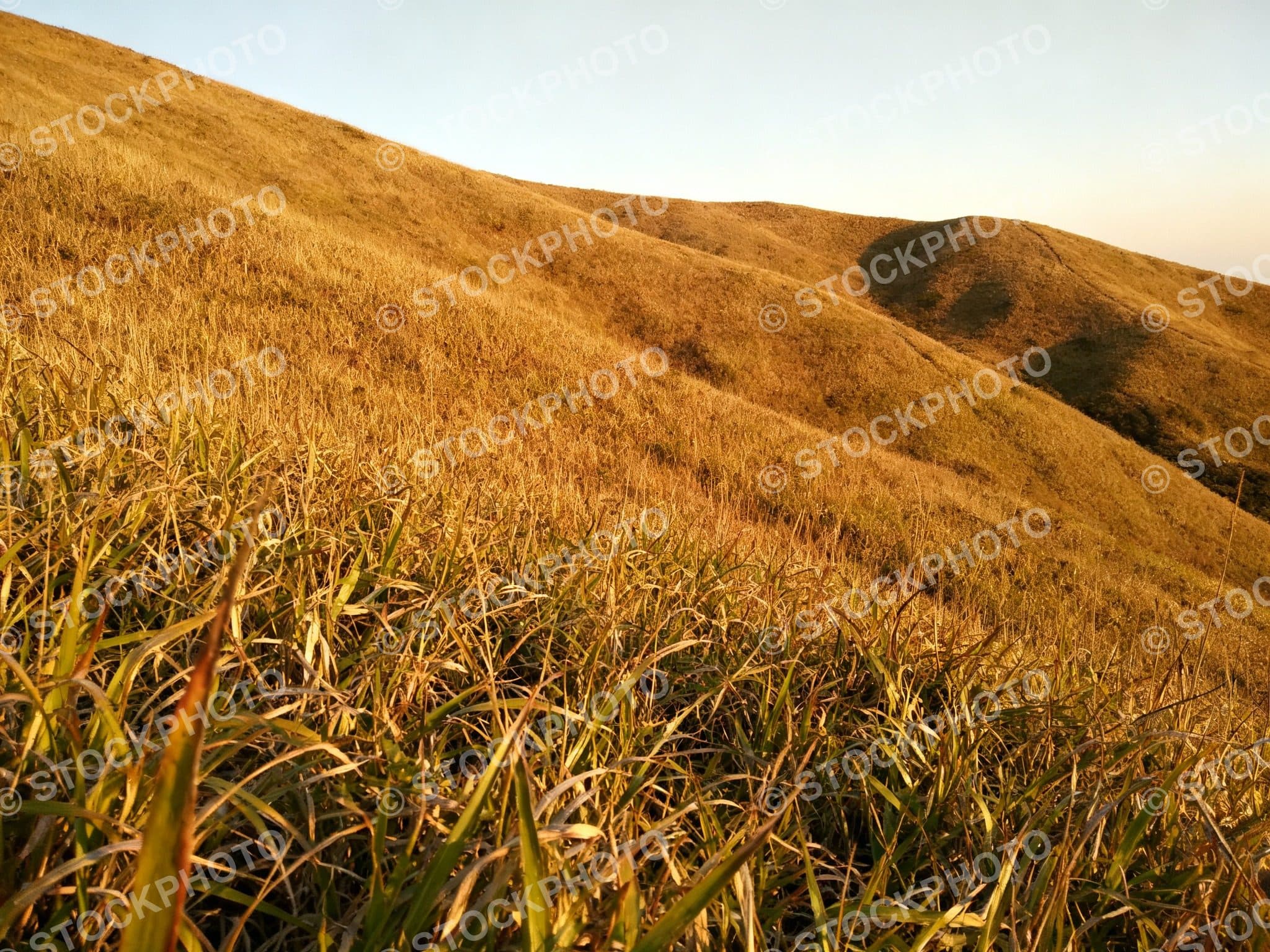
MagicRemover is a free watermark remover that erases watermarks from photos in seconds. Remove watermark from photo without signing up — just upload, brush the watermark area, and download a clean, watermark-free image. No credit card, no watermark on output.
Remove watermark from photo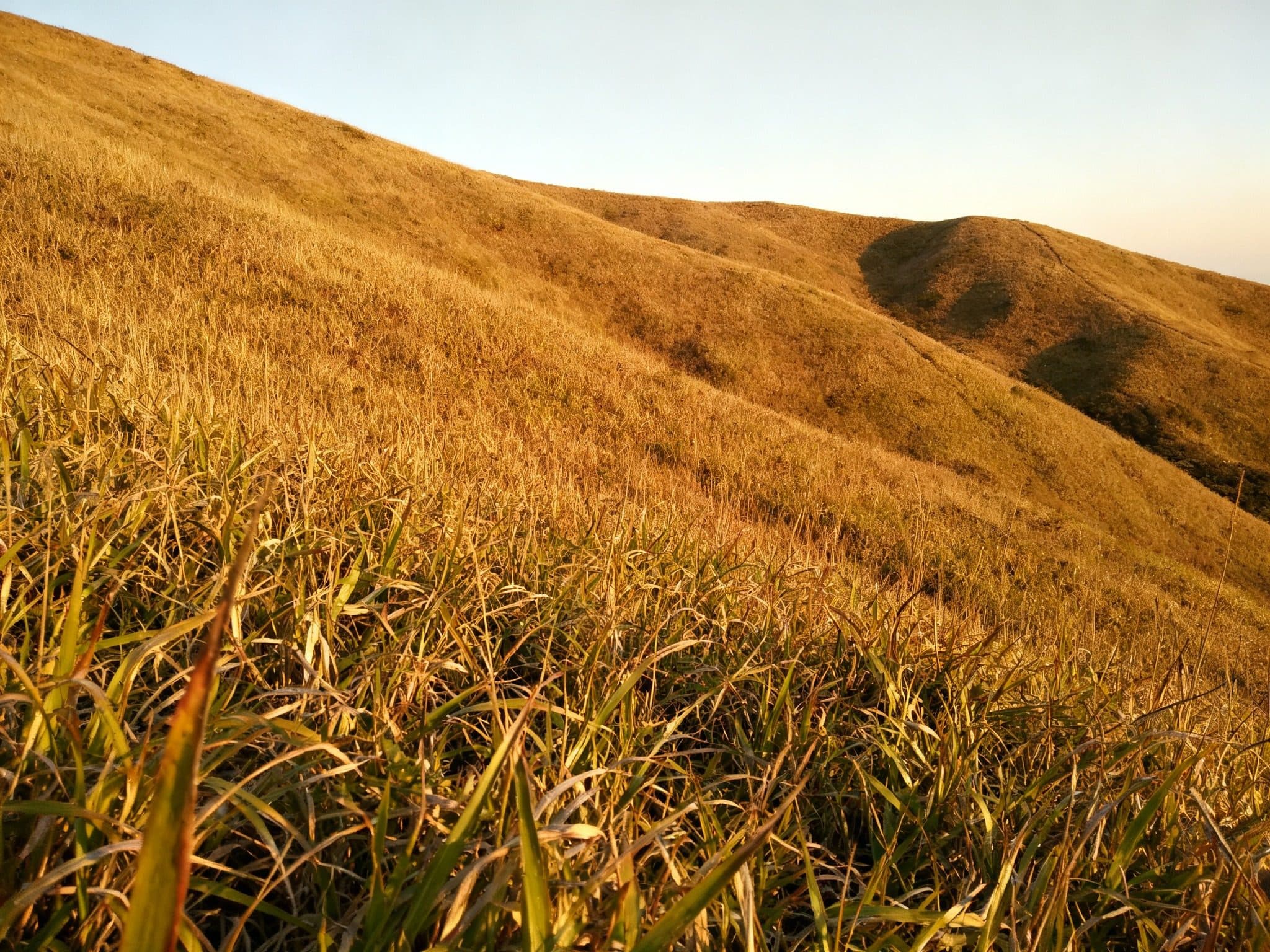
Logo Remover
This free logo remover erases logos from any photo in seconds. Brand marks on clothing, sponsor logos on jerseys, watermarked logos on product shots, logos on walls, vehicles, screenshots, and scanned documents — brush over the logo and the AI rebuilds the surface behind it, whether that's fabric weave, glass reflection, or plain wall texture. No signup, no watermark, clean results that keep the original resolution — up to 4K with credits.
Logo remover

Remove Sticker from Photo
Emoji, stickers, doodles, and decorations smeared across a photo come off in one brush stroke. This free sticker remover erases Snapchat-style stickers, emoji overlays, censored bars, and doodle marks, then rebuilds the image behind them. No signup, no watermark — brush, erase, download.
Remove sticker from photo

How the magic remover works
MagicRemover uses a state-of-the-art inpainting model. When you brush over an area, the AI analyzes the surrounding pixels — textures, edges, lighting, and perspective — and synthesizes a seamless fill. Skies stay smooth, brick walls keep their pattern, and water keeps its reflections. It runs in the cloud, so it works on any phone, tablet, or laptop browser.
Why creators pick MagicRemover
Most object remover tools bury the editor behind a signup wall or stamp a watermark on your download. MagicRemover keeps the tool on the page: open the site, upload, brush, done. Your edits are free, your downloads are clean, and a daily free allowance keeps the service free for everyone. For a specific job, jump straight to the dedicated pages: remove people from a photo, remove logos from photos, or strip watermarks. The same brush works on clips too — our video watermark remover (60 free seconds on signup) erases marks from MP4s. Need the opposite — keep the subject and drop the background? Our background remover cuts it out to a transparent PNG in one click. For a head-to-head with the competition, the Magic Eraser alternative page breaks down the deal.
Frequently Asked Questions
Is MagicRemover really free?
Yes. You get 6 free edits a day (3 manual + 3 AI auto) with no signup and no credit card. Upload a photo, brush over what you want to remove, and download the result — completely free.
Do I need to sign up or install an app?
No. MagicRemover runs entirely in your browser. There is no account to create, no app to install, and no extension to add — just open the page and start erasing.
Will my downloads have a watermark?
Never. Downloads are clean and watermark-free on every plan — with credits they keep your original resolution, up to 4K.
How does the AI object remover work?
Brush over the area you want gone. An AI inpainting model reads the surrounding pixels — texture, light, and edges — and fills the brushed area so the background looks continuous and natural.
Can I use the results commercially?
Yes. You own the images you process, including commercial use. You are responsible for respecting the rights in the original photos you upload.
What file formats are supported?
JPG, PNG, and WebP, up to 20 MB per image. For best results, use the largest, sharpest version of your photo.
What kinds of things can I remove?
Anything you can brush: people, objects, text, watermarks, logos, stickers, timestamps, power lines, blemishes, and more. Each tool page has tips for its specific use case.