Remove Object from Photo
Need to remove an object from a photo? Brush over it and our AI deletes it in seconds — filling the gap with background that matches perfectly. Trash bins, power lines, cars, signs, cables, food, furniture: whatever is ruining your shot, this free tool removes it from your photo without a trace. No signup, no watermark, works on any device.
Free · No signup · No watermark
Click or drag an image here
By uploading an image you agree to our Terms of Use and Privacy Policy.
Remove Scene
Tool
Brush Size
28pxCredits Required
FreeProcessing Mode
Remove object from photo — Before & After
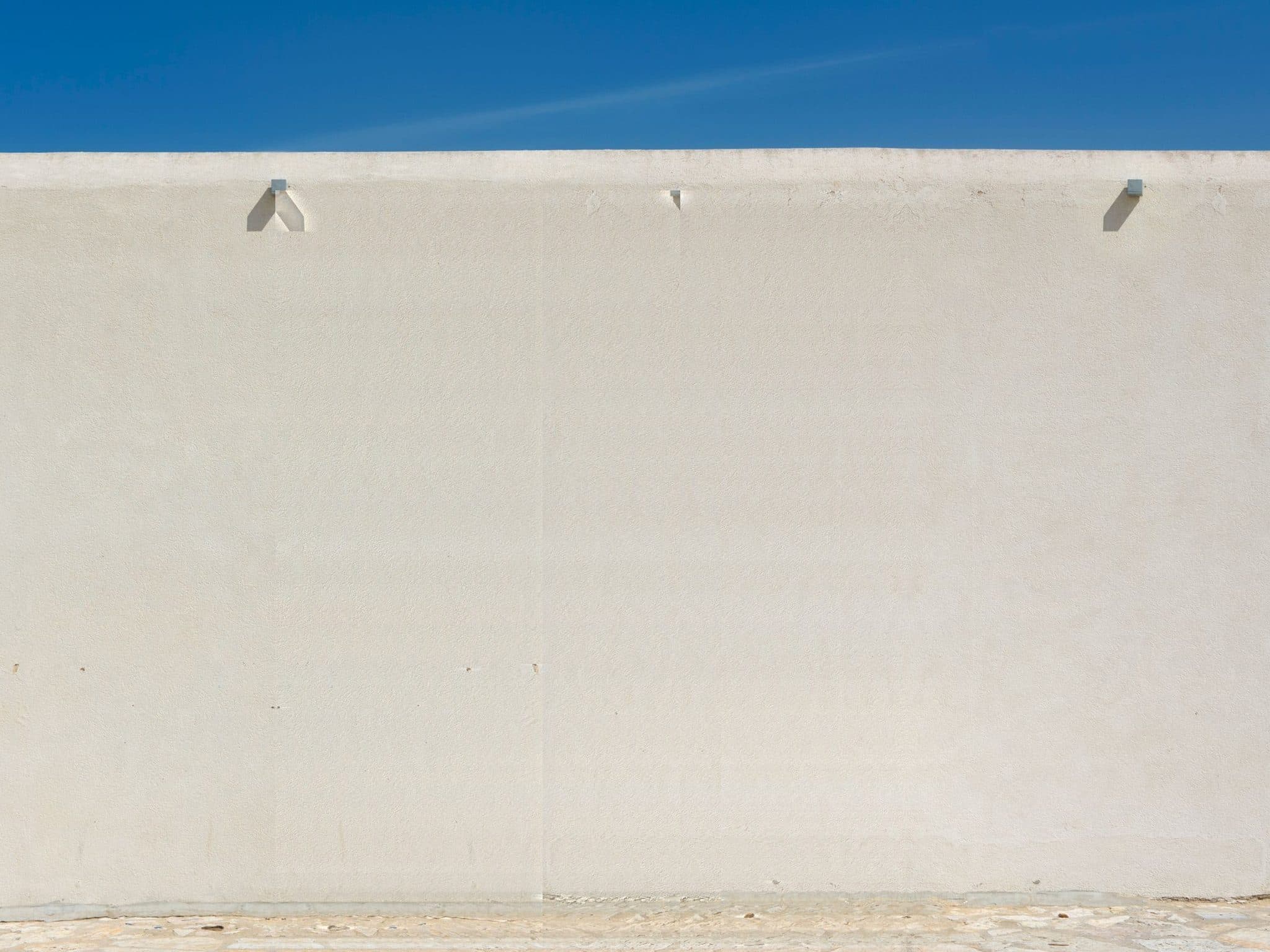
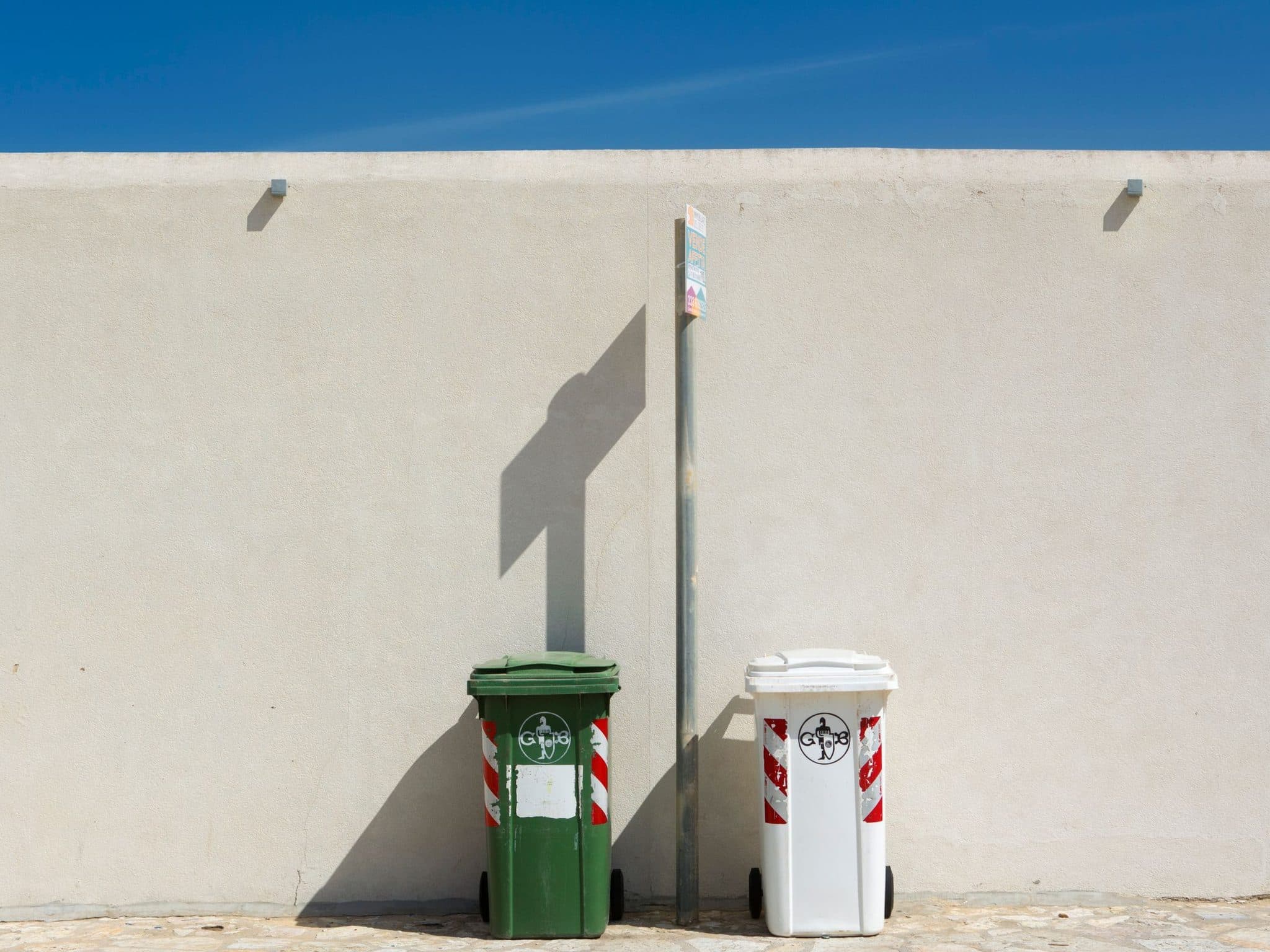
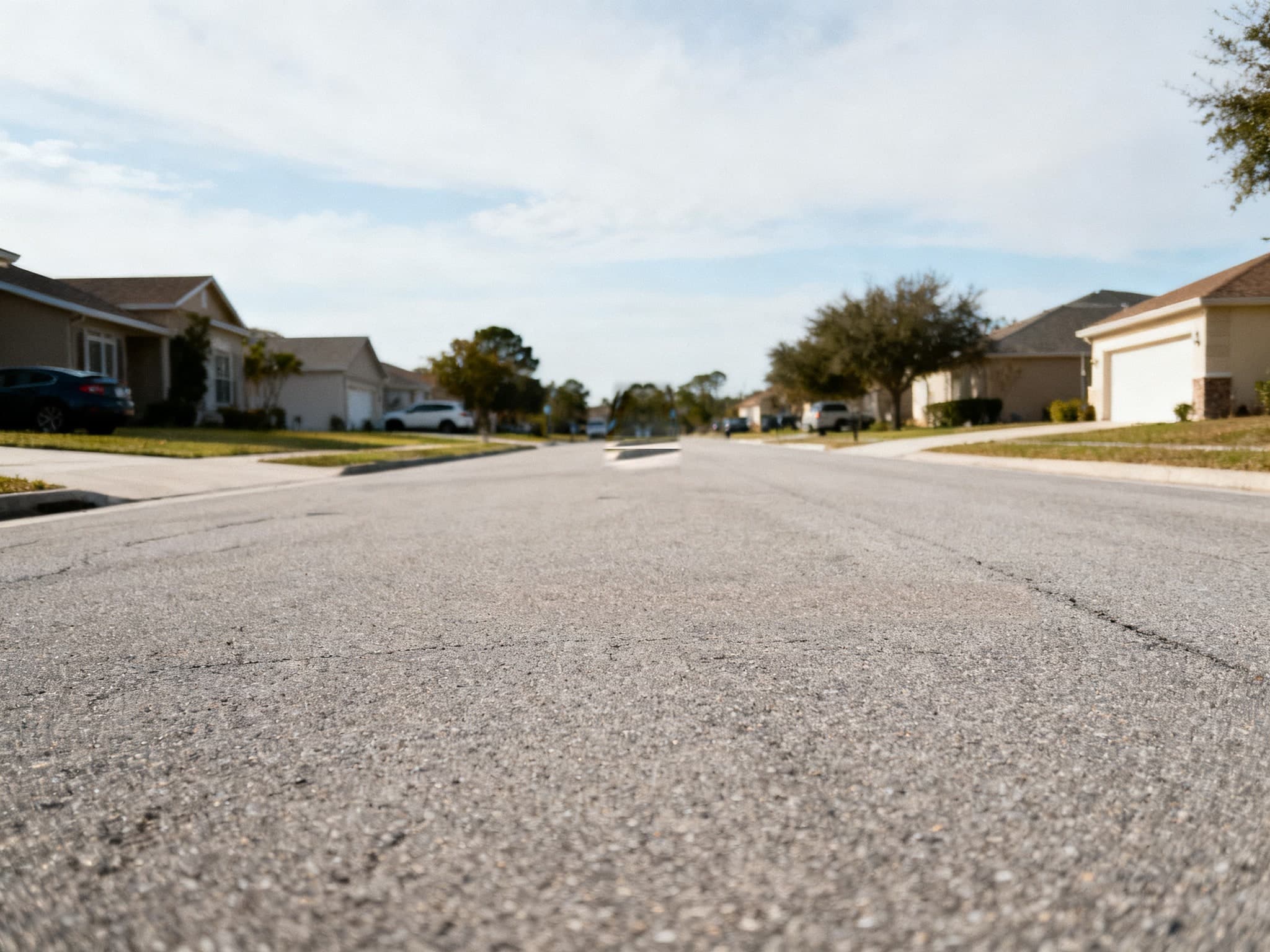
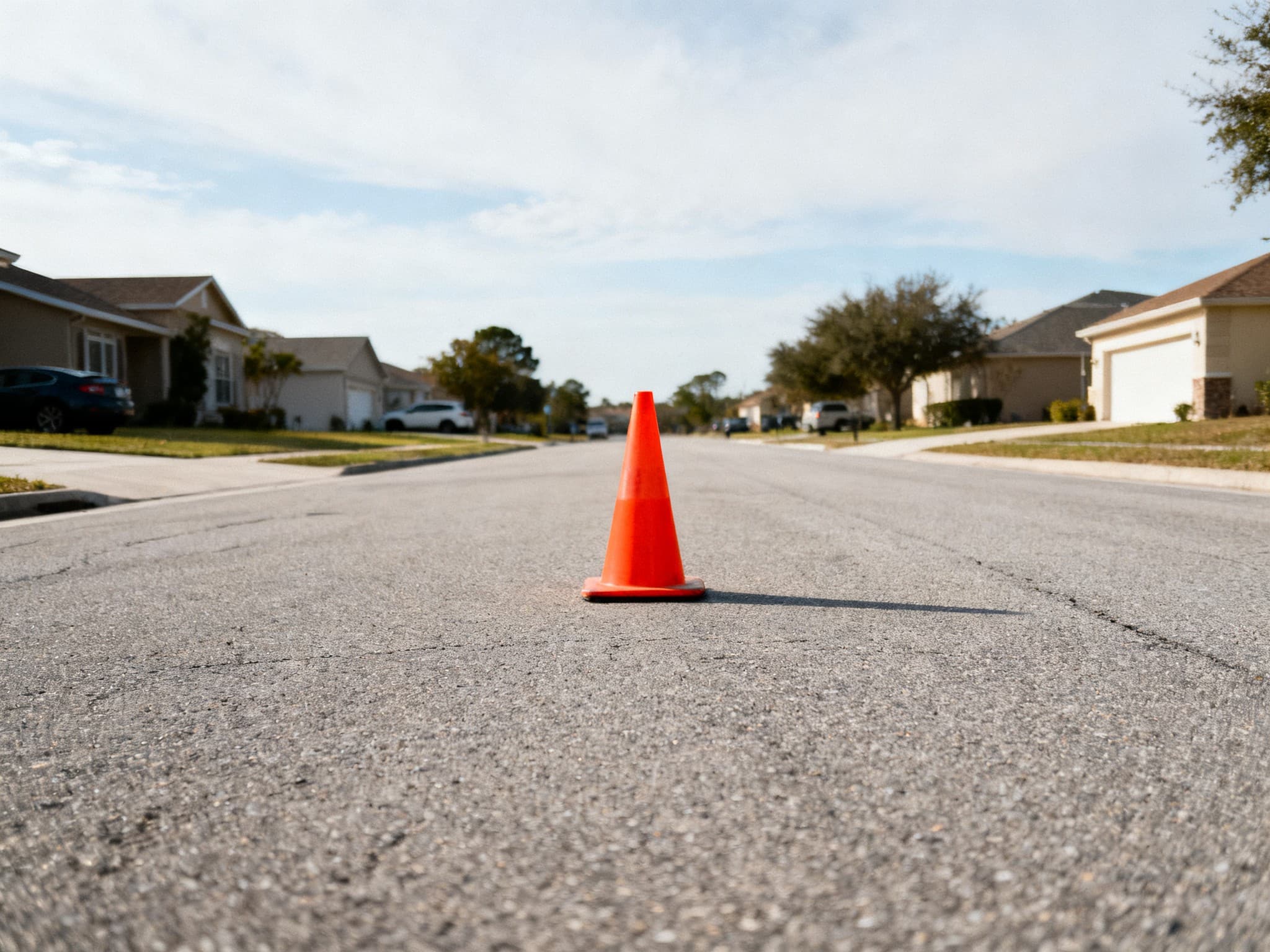
How to remove an object from a photo
Upload your photo, paint over the object you want gone with the brush, and click Erase. The AI studies the pixels around your selection and rebuilds what would sit behind the object — clean skies, continuous walls, unbroken pavement. You can brush several areas one by one and preview each result before downloading.
Tips for a clean erase
Brush slightly beyond the object's edges so the AI sees clean context around it. Busy backgrounds like grass or gravel are the easiest to rebuild; long straight edges like horizons usually take one extra pass. For big objects, erase in two or three smaller brush strokes instead of one giant selection — the fill stays sharper. If the thing you're erasing is a person, a caption, or a mark, the dedicated remove people from photo, remove text from image, and watermark remover pages have tips tuned for each.
Frequently Asked Questions
Is this object remover free?
Yes — 6 free edits a day (3 manual + 3 AI auto), no signup and no watermark on downloads.
What objects can I remove from a photo?
Anything visible: bins, wires, signs, vehicles, clutter, food, cracks, animals, and more. If you can brush it, the AI can erase it.
Does it work on iPhone and Android?
Yes. The tool runs in your mobile browser — upload from your camera roll, brush, and save the result back to your gallery.
Will removing the object leave a blur or patch?
The AI reconstructs the background from surrounding pixels, so most erases look seamless. Complex patterns may need a second, smaller pass for perfection.